Some deliveries may take a little longer than usual due to regional shipping conditions.

DOWNLOAD THE APP


Customer Services
Copyright © 2025 Desertcart Holdings Limited
DOWNLOAD THE APP


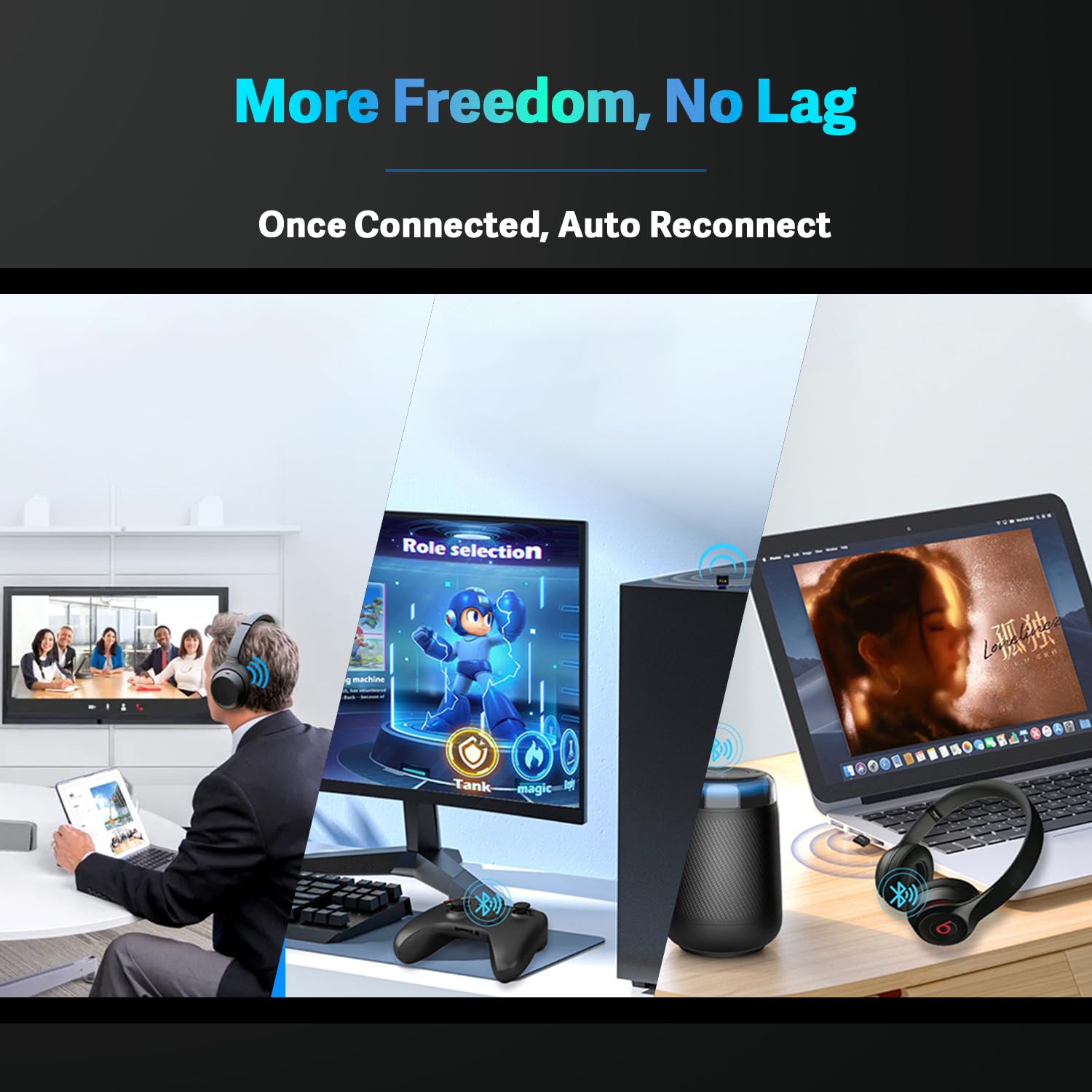
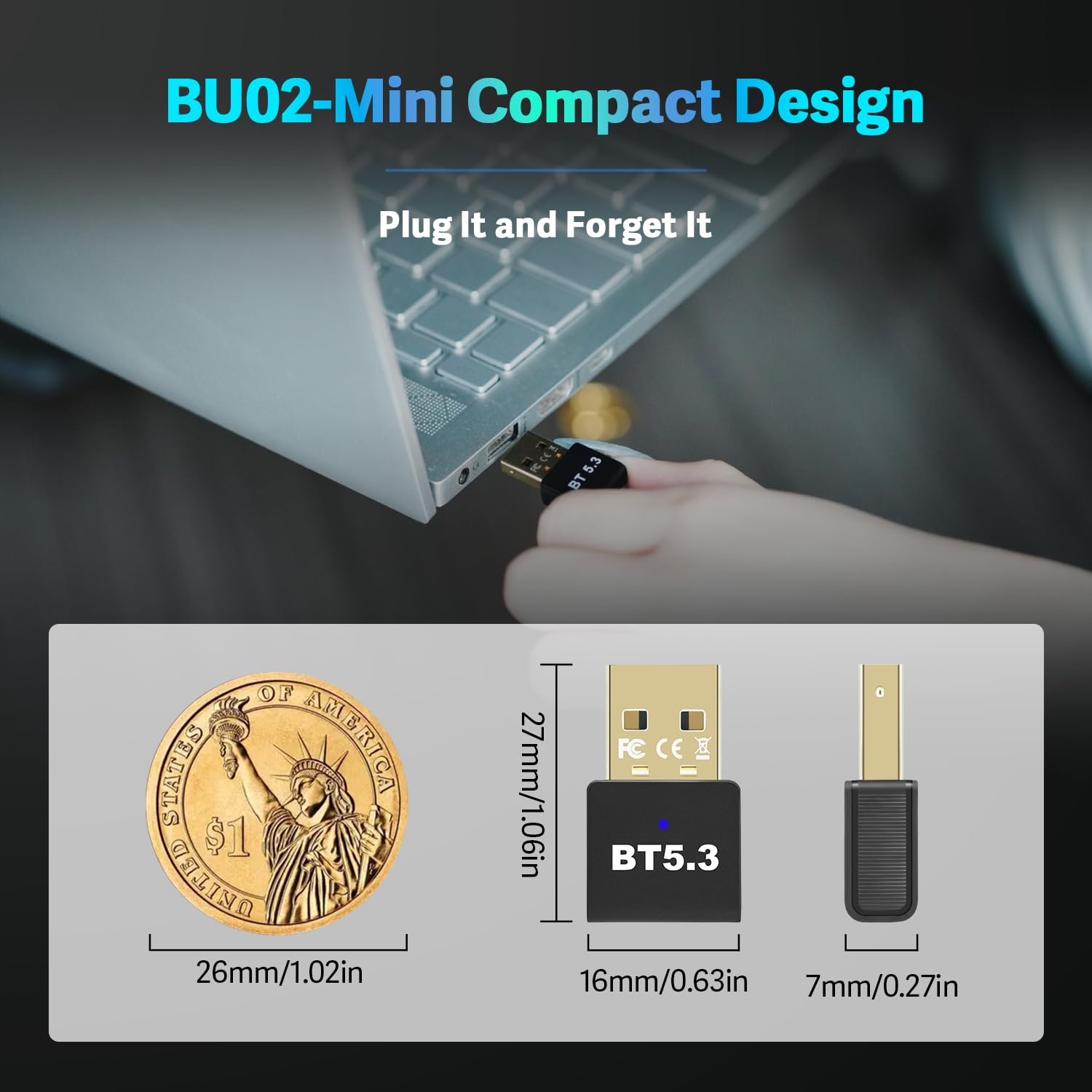
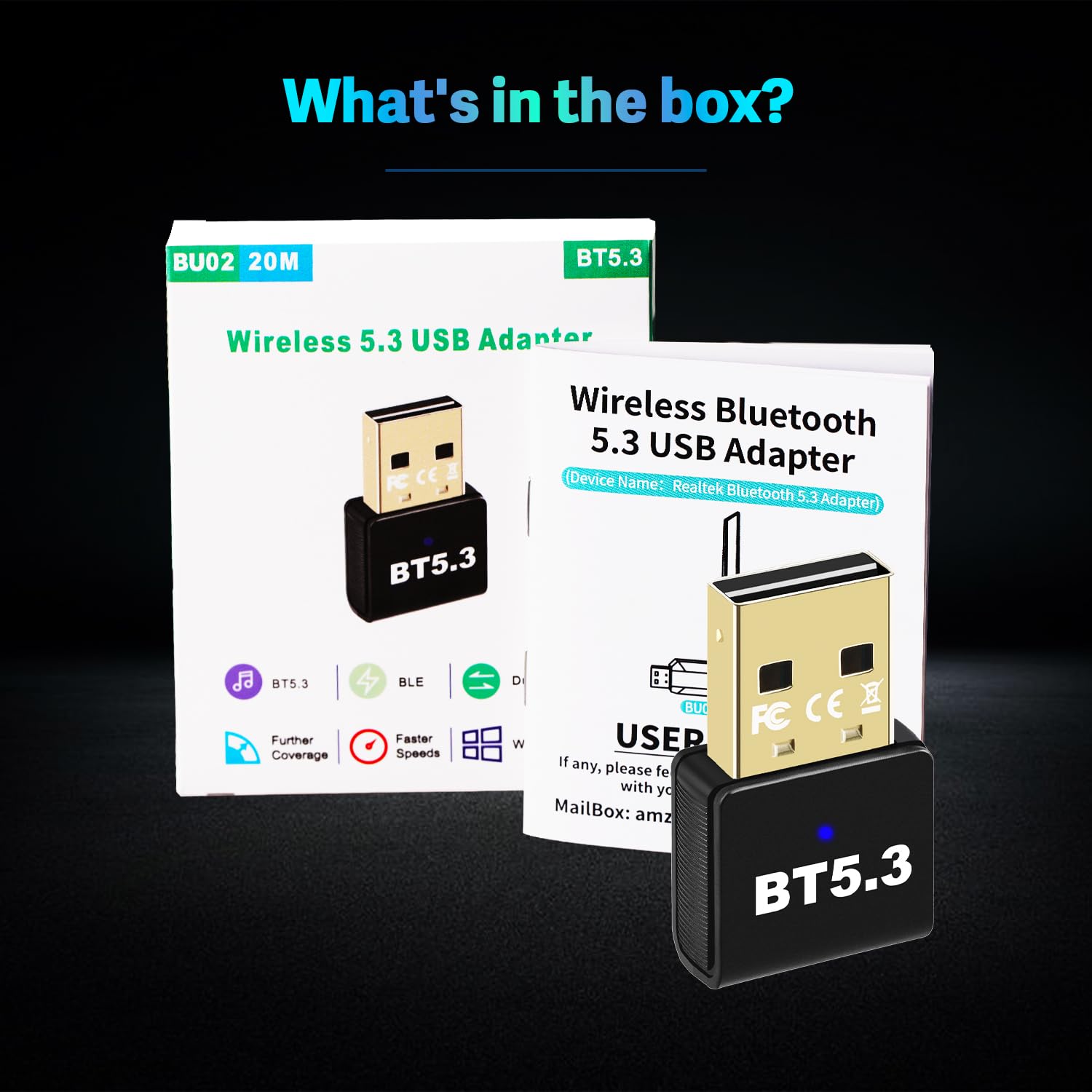
🔊 Upgrade your workspace with wireless freedom—Bluetooth 5.3, no strings attached!
This ultra-compact Bluetooth 5.3 USB adapter transforms any Windows PC or laptop into a wireless powerhouse, enabling seamless connection to headphones, speakers, keyboards, and more. With up to 3 Mbps transfer speed and a 66ft range, it delivers lag-free audio and multi-device support for up to 5 gadgets simultaneously. Plug & play on modern Windows systems, it’s the perfect upgrade for professionals craving stable, high-quality wireless connectivity without the bulk.


| ASIN | B0CXPRGF8G |
| Best Sellers Rank | 26,439 in Computers & Accessories ( See Top 100 in Computers & Accessories ) 118 in Bluetooth Network Adapters |
| Guaranteed software updates until | unknown |
| Item model number | BU02 |
| Language | English |
| Manufacturer | XINHUATIAN |
| Product Dimensions | 2.7 x 1.7 x 0.7 cm; 3 g |
J**Y
Works perfectly with Airpods Pro Second Gen
Initially I was skeptical about buying a receiver this cheap, but I needed to try something. I could not be more happy with the result. The thing is plug and play; you get a blue indicator light when its connected and it works like a charm. I've been using it daily for the past few weeks, and I only had one problem. I jumped on a video call, and the earbuds would only play one at a time. But I disconnected/reconnected and it worked like a charm after that. The range is pretty good and I have noticed no issues with sound quality. I am not much of an audiophile, but I love music, and being able to pop this into my work computer and press play has been a terrific experience. When paired with the adaptor, it doesn't handoff to other devices so easily, but that is a welcome addition, since I typically only want to stay on the one device at work. But if you want to switch between your phone or your ipad its pretty straightforward. The advert should mention that it works well with apple headphones but not with apple devices. I tried to plug this into my macbook air, but it didn't work. I cannot tell if this is because I used an aftermarket adaptor (the device is usb and my ports are only usb-c) or because apple devices dont register it, so buyer beware. One interesting thing is that it does not pause the music when you remove one bud, which is a bit odd, but the volume control and other haptic features work the same. Its only been a few weeks, but I am very please with the product. I have not yet tried connecting my airpods max, but given how easily the pros connected, I don't foresee an issue. It works as advertised, its cheap and it doesnt require batteries. Awesome purchase.
B**R
Great performance with my Raspberry Pi and Home Assistant.
Works with well Home Assistant OS straight out of the box. Pretty much plug and play, and has excellent range. My Pi4’s built in BT chip was unreliable and had very poor performance and range. Now I can control my Switchbot devices across my house that the Pi wouldn’t even detect before. I was considering going down the ESP Proxy route, but this does everything I need for the price of a decent coffee. NOTE - If using this to integrate Switchbot devices into Home Assistant, go into the device settings in Home Assistant settings and select ‘passive scanning’ in the Bluetooth configuration options. Your devices will respond MUCH quicker. Also disable the Pi4’s built in BT to avoid conflicts and interference, especially if your connecting this without a USB extension cable.
R**O
O/k
Can't say much as had no need to use it,as I thought I would when purchased.worked fine when I tried it.
S**9
Works perfectly with Home Assistant – no issues
Picked this up to use with Home Assistant and it’s been spot on. Plugged it in, recognised straight away, and paired with my Bluetooth devices without any faff. The range is decent. No dropouts or connection issues so far. Solid bit of kit if you're running a smart home setup and need reliable Bluetooth coverage. Great value for the price too.
S**Y
Took some setting up
Works well now.... Great range from my PC to my Bluetooth earbuds, i can head off into different rooms now but.... It took several attempts to get the correct driver installed when I first got it and even now I often need to turn off and back on again in the settings for the Bluetooth link to get past timing issues with Lip-Sync on video footage where the mouths don't match the sound.... though I can't say for certain that the issue isn't actually with my earbuds??!! But still, when working it works well
D**N
Windows 10
Basically plug and play, if this isn't working on your windows machine (windows 10 because nobody uses 11), you should hit Win + X and find "Device Manager", then drop down the bluetooth menu. If you see a bluetooth device with a little yellow thing next to it, you need to disable your motherboard or PC's onboard bluetooth adapter, usually named something like "Intel(R) Wireless Bluetooth(R)". You can do this by right clicking it and clicking disable device. After that just restart your PC and make sure the new dongle is plugged in, you might have to re-connect devices but it works. The distance is fun too, I can listen to music from my PC while in my kitchen.
S**S
Quality
Terrible item, worked for one day then bugged out and never worked since.
S**N
Exceptional range
When I bought this I was sceptical about the range though when I set it up and tested the range I was very surprised how what range it would actually go. Living on a 6 acre farm I was able to go down the drive with no loss of sound or connection or any noticeable lag through the Bluetooth headset I was testing it with. Very easy to set up also.
S**D
Bluetooth connectivity is good, speed and compatibility are good. The value for money is good.
-**-
While my initial review is still valid for initial installation issues, after fiddling with other settings and seeing bluetooth appear in the device manager I was able to get all BT devices operational again. A huge relief - it turns out to be a very inexpensive fix after finding my laptop wifi/BT card was soldered to the motherboard and not replaceable. I love the range of this antenna, so I worked my way up to 5 stars. ------------ While trying to install this device a driver tried to load. My up-to-date Windows 11 laptop popped up an error saying "A driver cannot load on this device." Further explanation added "A security setting is preventing this driver from loading. You'll need to adjust your settings to load this driver." So being curious I followed the directions for changing these settings and another pop-up box alerted me that this setting was related to the Memory Integrity, and the setting is explained to "prevent attacks from inserting malicious code into high security processes" In other words, install at the peril of your computer's security. See photo.
O**N
It took me a little bit to get it to work. Had to install it, then let the driver load and then unplug it and restart my machine and then plug it back in. After that it works all the time. Previously I tried plugging and unplugging it and that did not work. I also tried uninstalling it and reinstalling it and that did not work. Seemed like installing it and restarting my machine with it unplugged and then plugging it back in worked. Hope that helps. One of those combinations made it work so you might try those if you have isssues.
R**G
Works well!
S**S
The range is v. good but not any greater than other similar "long range" adapters. Chip inside is from Realtek and that it the driver needed. Follow the tiny instruction booklet attached to remove all other BT transmitters in Device Manager before plugging in the new one. In my case, upon plugging the new transmitter, Win10 installed some generic driver instantly but it wasn't pairing with any BT devices. Search in google the following line: Realtek Bluetooth Version: 1.9.1038.3017 *.inf file: rtkfilter.inf I downloaded it from drvhub. Extract the zipped content to a folder and then in Device Manager click on update driver of "Generic BT Adapter." Point Windows to the folder with decompressed driver files. It will install the driver and recognize the BT adapter as Realtek. Then all works great!
Trustpilot
1 month ago
2 months ago